Platform
The iFlow Engine
SmartEvent is what your attendees and staff see. iFlow is the engine underneath it, built by our team in New Delhi. It handles registration, payments, check-in, the live dashboard and your attendee data, so the whole event runs from one system.
Registration that handles the messy cases
Ticket tiers, group bookings and GST invoices are where most simple form tools fall over. These are the cases iFlow was built around.
- Custom forms. Ask different questions for delegates, speakers and exhibitors, with fields that only show when they apply.
- Payments through Razorpay. Attendees pay by UPI, card or net banking, and get a receipt and QR ticket by email straight away.
- Group bookings. One person can register and pay for a whole team, and each person still gets their own ticket.
- Hidden tiers and promo codes. Create early-bird prices, sponsor-only passes and discount codes without calling us.
Check-in on the phones your staff already carry
No scanner hardware to rent. Staff log in on an Android phone, iPhone or tablet and start scanning.
- Quick scans. The app checks the ticket against your guest list and shows a clear green or red screen.
- Duplicate tickets flagged. A used ticket or a forwarded screenshot shows a warning at the gate.
- Badges on demand. Connect a thermal printer at the desk and print a badge when someone checks in, not the night before.
- Offline scanning. On Pro Operations and above, scanning keeps going when the venue Wi-Fi drops and syncs when it is back.

See the floor while the event is running
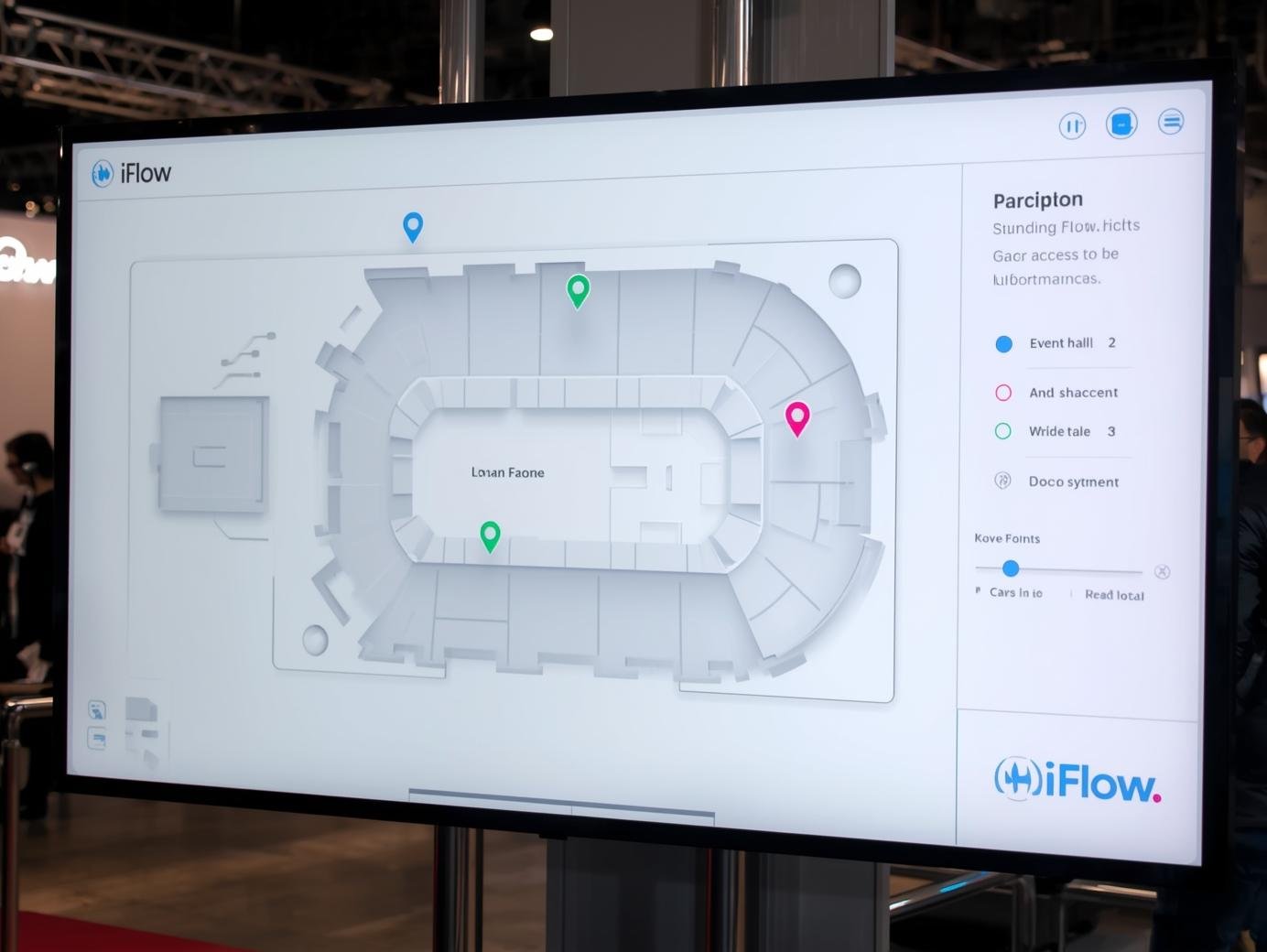
Scans at the main gate, session doors and lounges feed one dashboard, so you can see where people are without waiting for a report.
- Hall occupancy. See which rooms are filling up and which are quiet, zone by zone.
- Capacity warnings. Get a heads-up when a hall gets close to the limit you set.
- VIP arrival alerts. Tag key guests in advance, and the right host gets an SMS or push alert when they arrive.
- Session numbers. See how many people stayed for each talk, for your team and your sponsors.
One record per attendee, and leads for exhibitors
Registration, check-in and sessions attended end up on one timeline per attendee, instead of five spreadsheets.
- Attendee timeline. See what each person registered for, when they arrived and which sessions they attended.
- Exhibitor lead capture. Exhibitors scan badges on their own phones, add a note and export their leads.
- Exports. Download attendees, no-shows and leads as Excel or CSV for your CRM.
- Segments. Filter by job title, industry or ticket type for your follow-up emails.